AI thumbnail from a photo with text
To make an AI thumbnail from a photo with text, upload the portrait, choose a wide frame, reserve one side for the headline and type the exact words that should appear there.
Last updatedPortrait photo to travel video thumbnail
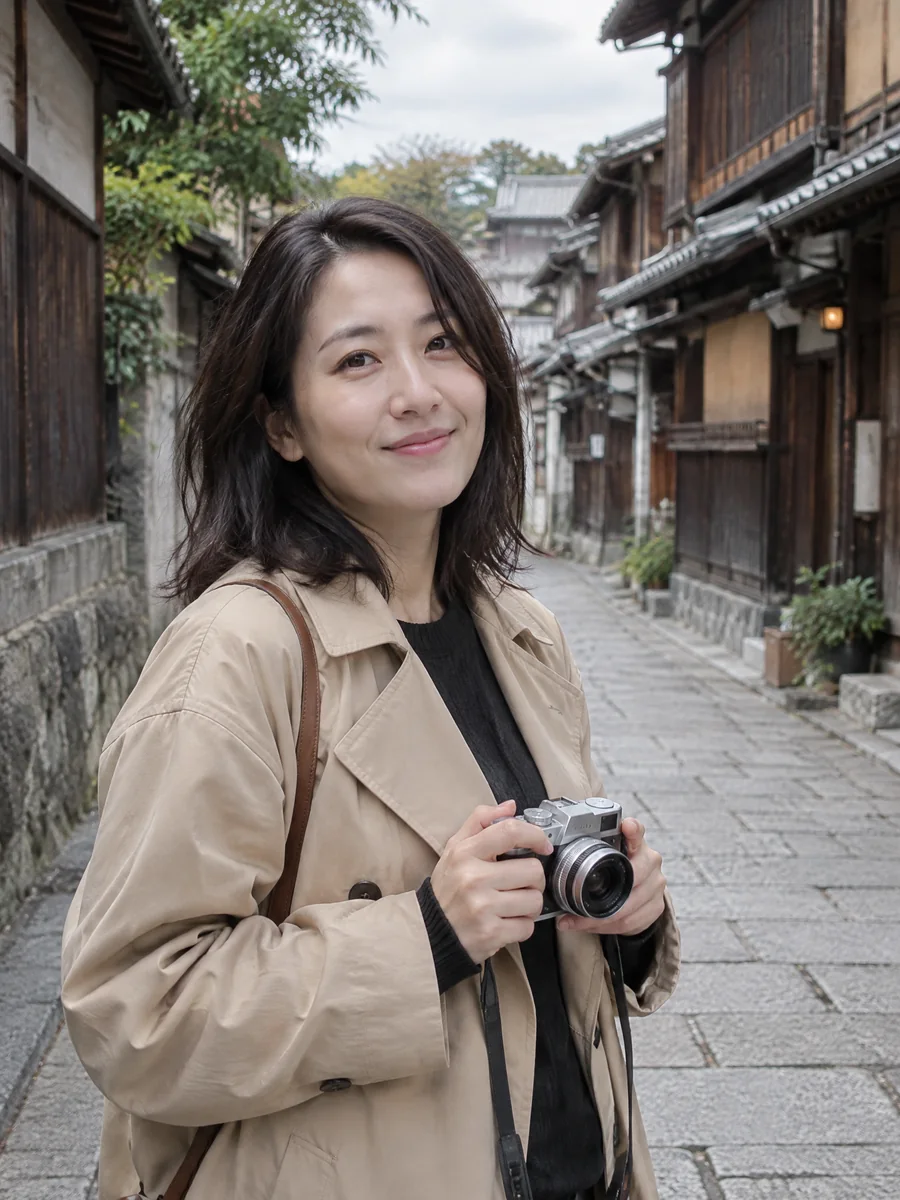
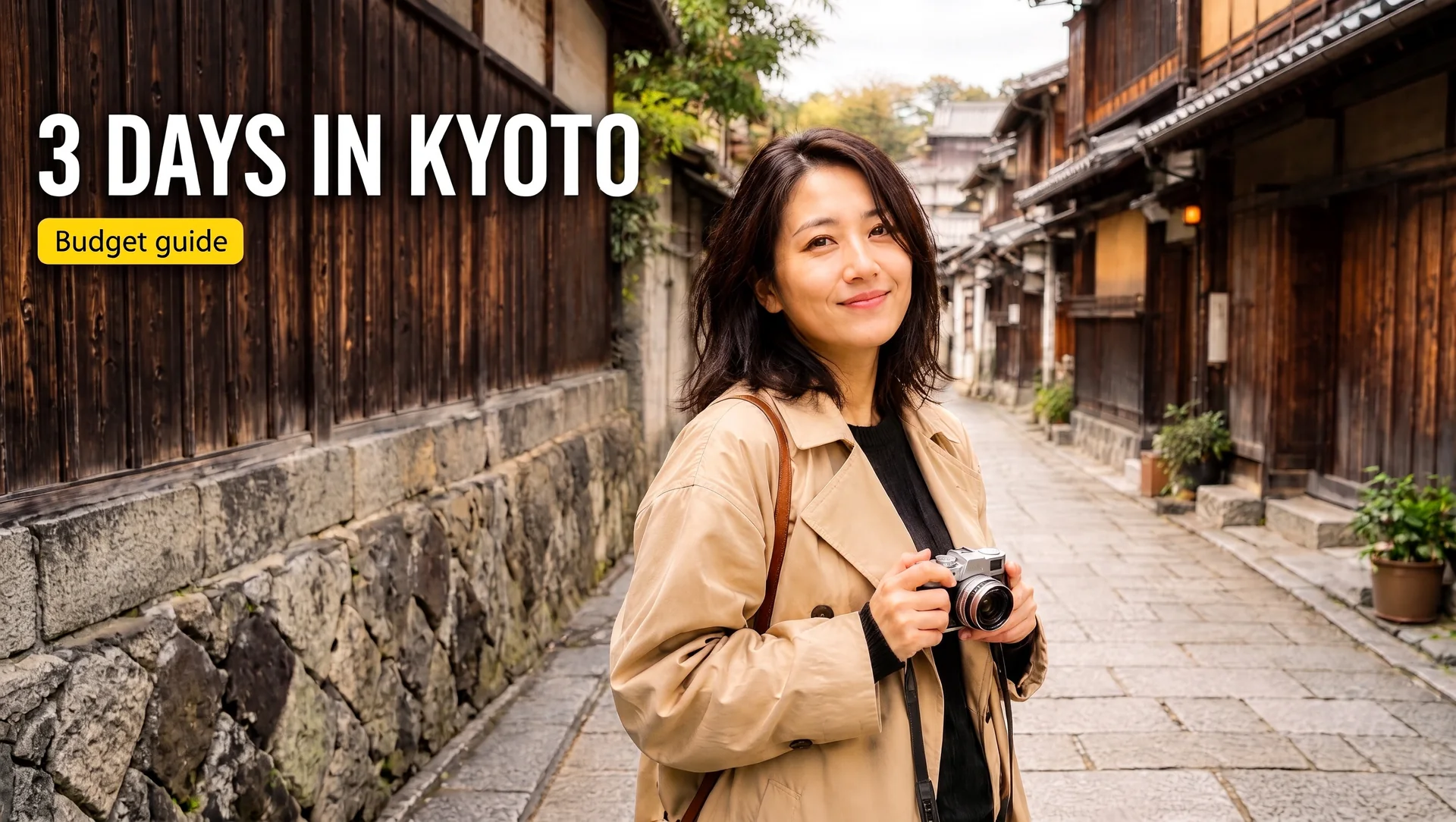
A vertical photo became a 16:9 thumbnail. Face, hair, coat and camera stay; the lane extends to widescreen and the headline 3 DAYS IN KYOTO and Budget guide tag render correctly.
These inputs were made with GPT Image as source material. The result was produced by one MiniMax H3 Image edit with them, in this order.
2K · 16:9 · H3Img credits for these settings 1
Original prompt (English)
Turn the supplied photo into a 16:9 travel video thumbnail. Keep the same woman exactly: face, hair, beige trench coat and film camera. Extend the stone lane and wooden townhouses to widescreen and place her on the right third, with a slightly brighter, warmer color grade. On the left add a bold headline in large clean white sans-serif with a subtle shadow: 3 DAYS IN KYOTO. Under it a small yellow rounded tag: Budget guide. No other text and no logos.Plan the portrait and headline together
A travel creator with a vertical photo needs two things from a horizontal cover. Viewers should recognize the person, and they should be able to read the destination before opening the video. In the Kyoto case, the editor received a portrait of a fictional photographer holding a film camera in a stone lane. The instruction moved her to the right third and extended the lane across the frame. That left the left side available for a headline without putting letters across her face.
Separate the exact wording from its appearance
The Kyoto prompt gives the headline in full, then asks for a smaller yellow tag. The result reads “3 DAYS IN KYOTO” and “Budget guide”. Read the coffee poster alongside it: that prompt names a serif headline and small sans-serif copy, and reserves the upper third instead of the left side. Both lines appear in the coffee output, including the dot in “Single-origin · roasted weekly”. The second image was made from text alone. It is a layout comparison for anyone starting without a portrait.
Check the small version, then check the full-size file
Reduce the cover to the size at which you expect people to choose a video. Can you still read the first line without zooming? Now open the output at full size and compare the face, hair, trench coat and camera to the source. The recorded Kyoto result retained all four. For a promotional thumbnail, the sneaker example gives you a different proofreading task. Its secondary line includes a discount and a percent sign. Check the actual offer against every character before you use a similar line on your own image.
Coffee brand poster with headline
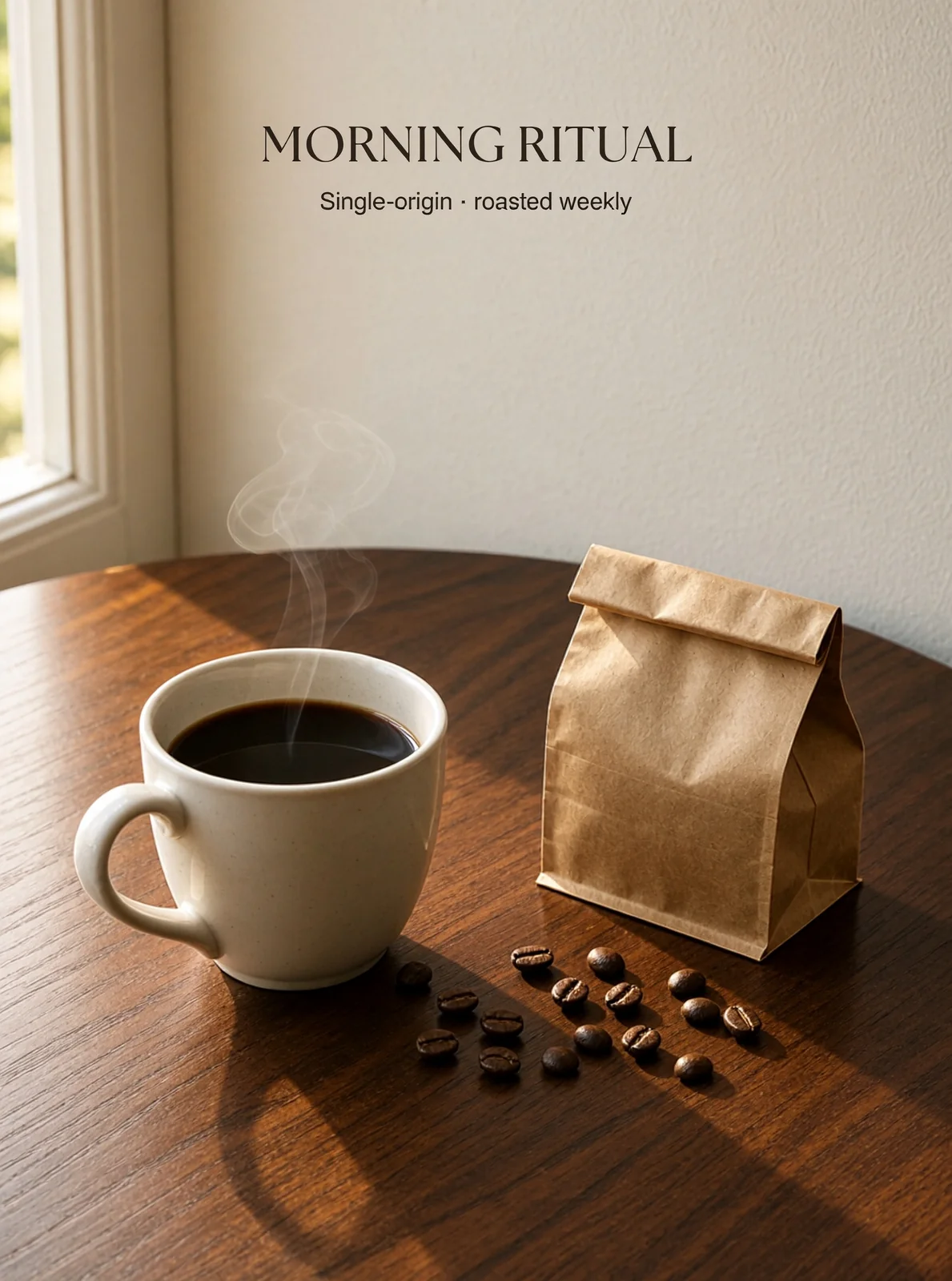
A text-to-image campaign poster: morning light on a cup of black coffee and a bag of beans. The serif headline MORNING RITUAL and the line Single-origin · roasted weekly render correctly.
2K · 3:4 · H3Img credits for these settings 1
Original prompt (English)
Vertical brand campaign poster for a specialty coffee roaster. A matte white ceramic cup of black coffee on a walnut table, morning sunlight through a window casting a long soft shadow, a thin wisp of steam, a small kraft paper bag of coffee beans beside the cup. Editorial photography, warm natural tones, generous negative space in the upper third. Headline at the top in a refined serif: MORNING RITUAL. Below it in small clean sans-serif: Single-origin · roasted weekly. No other text and no logos.Sneaker promo poster with headline
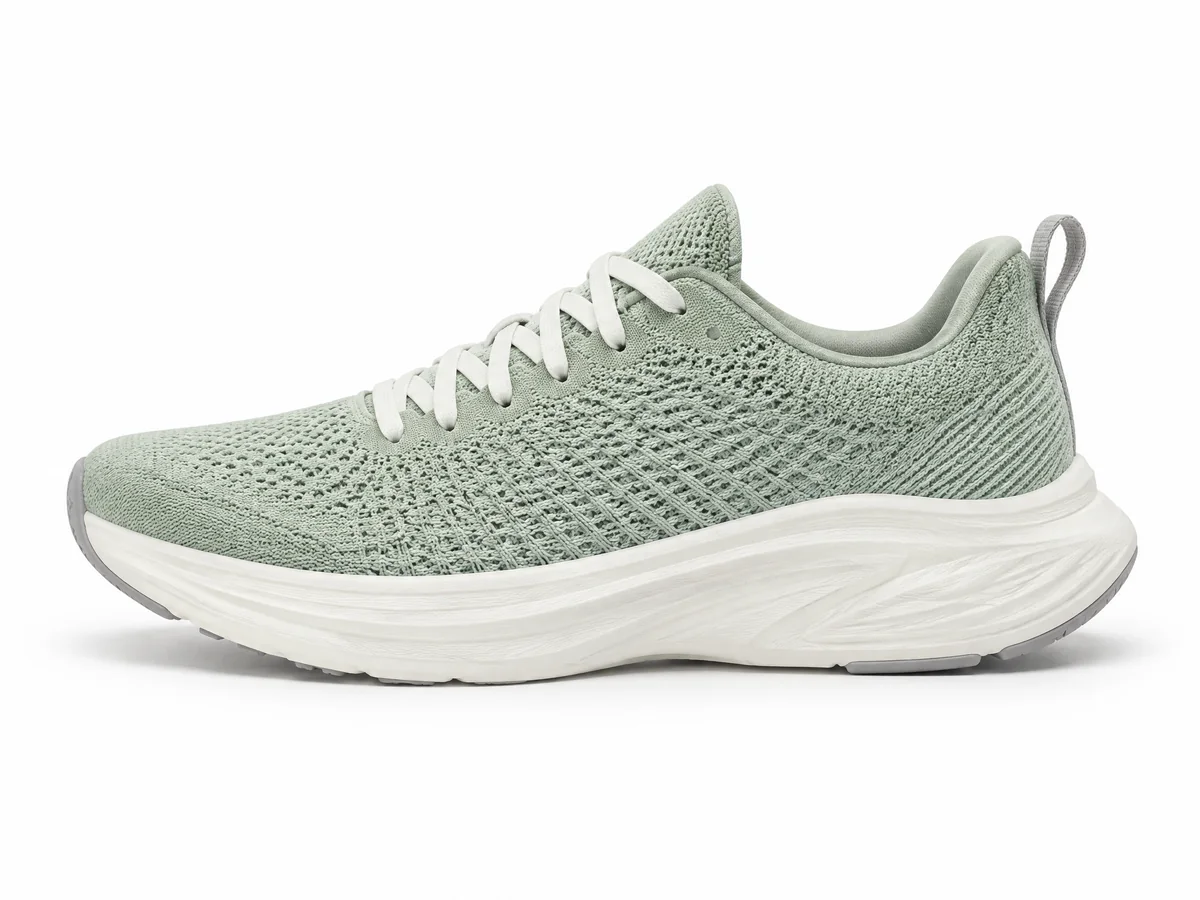
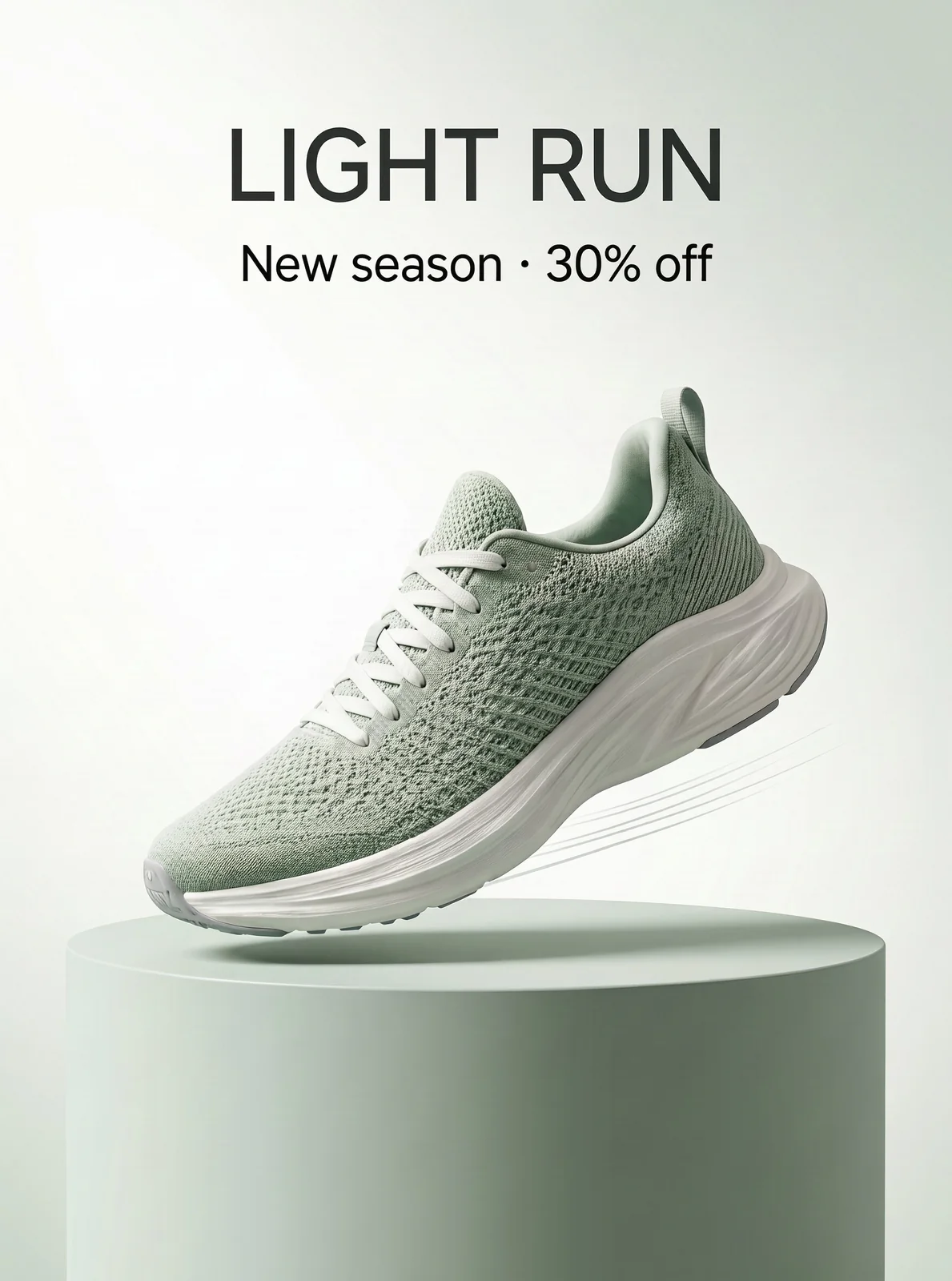
The same product photo turned into a vertical promo visual. The headline LIGHT RUN and the line New season · 30% off render cleanly; the shoe design and colors stay, the angle changes.
These inputs were made with GPT Image as source material. The result was produced by one MiniMax H3 Image edit with them, in this order.
2K · 3:4 · H3Img credits for these settings 1
Original prompt (English)
Create a vertical e-commerce promotional key visual using the supplied sneaker as the hero product. Keep the sneaker design, knit texture and sage green and off-white colors exactly the same. The sneaker floats at a slight upward angle above a pale sage cylindrical podium, soft premium studio light, gentle shadow, faint motion lines. Large clean headline at the top: LIGHT RUN. One small line below it: New season · 30% off. Minimal premium sportswear style, lots of negative space, no other text and no logos.Prompt to adapt
Turn this photo into a 16:9 thumbnail. Keep [person, clothing, object] recognizable. Extend [background] and place the subject on the right third. On the left, write exactly “[headline]” in large [color] letters, with “[short tag]” underneath. Keep the face and both lines clear of the edges. Add no other text.
Frequently asked questions
Does the tool create a video from the portrait?
It produces one still image. The Kyoto case supplies cover artwork you can review and attach to an existing video separately. The camera in the creator’s hand is part of the portrait, and the extended street is part of the same still frame.
Can I replace the English headline with a different script?
You can type the intended wording in the template. These examples verify only the particular English lines shown. Ask someone who reads the target language to check spelling, line breaks and small marks against the original before publishing.