MiniMax H3 Image prompt guide
This MiniMax H3 Image prompt guide shows how to describe a finished picture, name what should survive an edit and assign each reference a job, using a serum bottle and a furnished room you can inspect below.
Last updatedSerum bottle moved to an editorial set
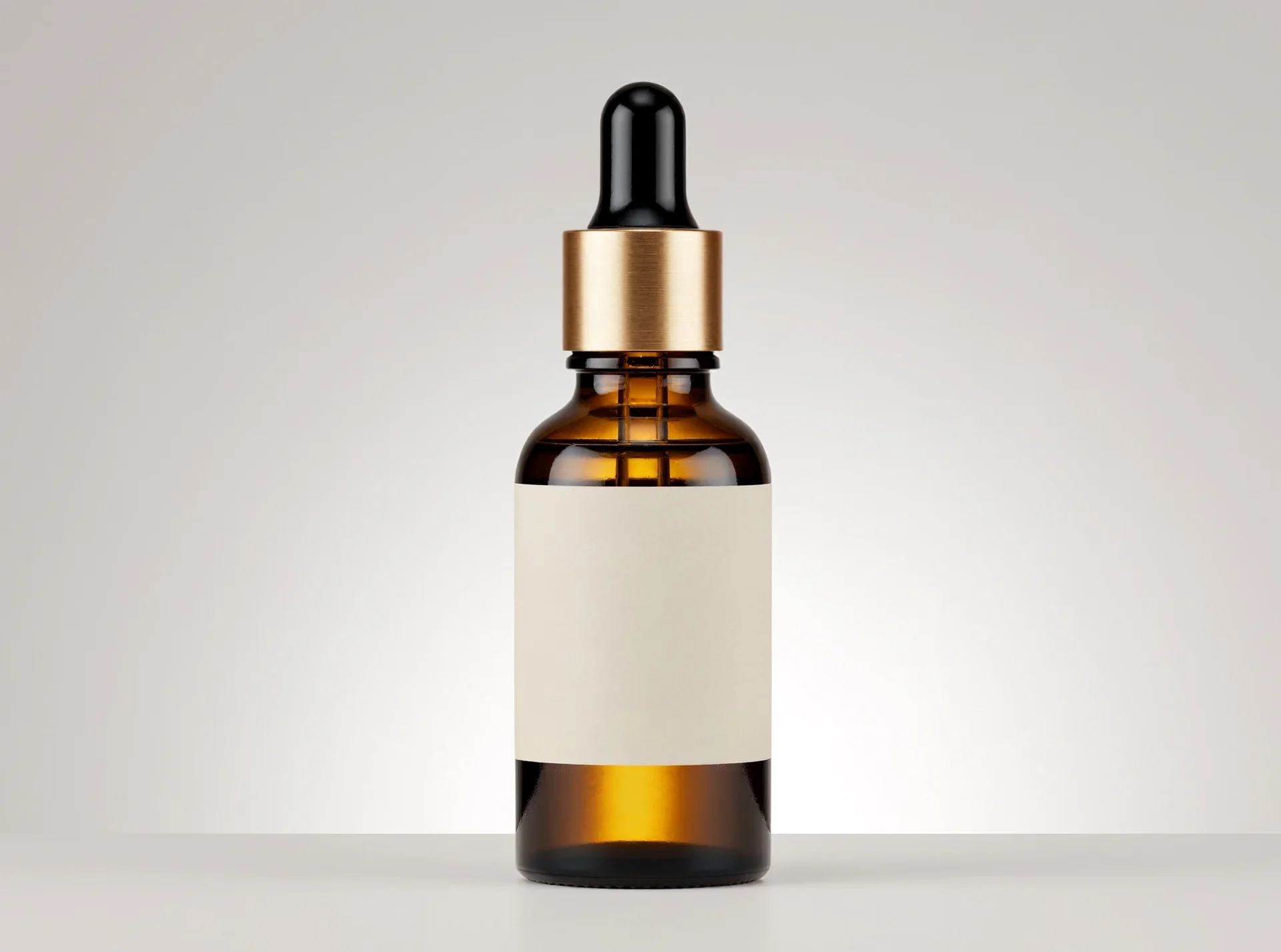
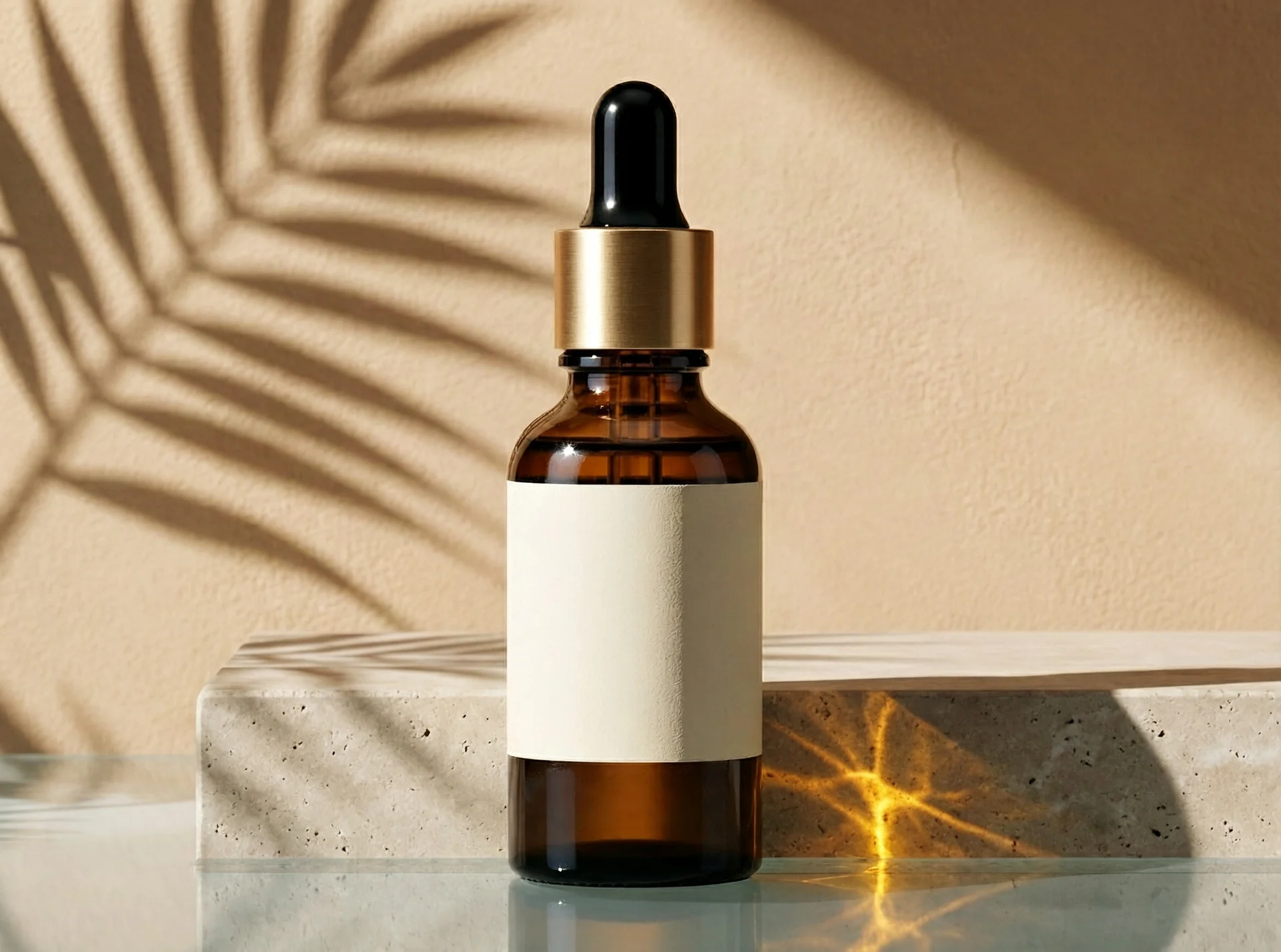
The packshot was the reference for one edit. Bottle, gold collar, dropper and blank label stay almost identical; the set becomes travertine with a palm shadow and an amber caustic. The requested water turned into a glossy glass-like surface, and the bottle stands in front of the stone rather than on it.
2K · 4:3 · H3Img credits for these settings 1
Original prompt (English)
Edit the supplied image. Keep the exact same serum bottle: amber glass, brushed gold collar, black dropper bulb, blank cream label, shape, proportions, position, scale, camera angle and framing. Replace only the seamless gray backdrop and floor with a premium editorial set: a honed travertine plinth with a thin layer of still water around its base, soft sunlight from the upper left casting a dappled palm-leaf shadow across a warm sand-colored wall. Let the amber glass throw a warm golden caustic onto the stone and a faint reflection into the water. The bottle stays sharp and fully visible. No text, logos or extra objects.Write the brief like a shot list
Start with the serum studio photograph below. A reader could sketch the shot from the first two sentences alone. There is one amber dropper bottle with a gold collar and an unprinted cream label. It stands in the middle of a continuous warm gray backdrop. The viewpoint is level with the middle of the bottle. Those details settle three decisions before styling begins: what is for sale, where it stands and how much of it the viewer sees. The prompt goes on to ask for a 100 mm macro look at f/11 and margins around a bottle occupying about 55 percent of the frame height. Treat those numbers as composition instructions. The case records a generated image and supplies no camera measurements.
Give each light a purpose
The same studio prompt places a large softbox on the left, white bounce fill on the right and a strip light behind the glass. It then names surfaces to inspect: a crisp reflection on the metal, a rim along the glass and a soft shadow beneath the bottle. In the edited scene, the light comes from the upper left and casts a palm shadow across the wall. Holding those two originals side by side helps separate a change in lighting from a change in the product. When adapting them, remove the studio lighting directions that no longer belong in the new setting.
Separate the change from the details to keep
Compare the studio input with the travertine set. The edit names the glass color, collar, bulb, label and framing before it introduces stone, water and sunlight. The first group is a practical checklist for judging the second photograph. Most of the bottle survived. Two spatial details missed the brief: the support looks glossy like glass and the bottle stands in front of the stone. A useful next instruction would specify that the bottle base touches the upper stone face and that the water surrounds the plinth at floor level. That wording is a proposed revision. The gallery preserves the original run so you can see the reason for the change.
Assign references in upload order
In the room test the first picture determines the architecture, camera and daylight. The next four supply a sofa, a floor lamp, a table and a rug in that order. The original instruction uses “Image 1” and “Images 2 to 5”. For the official workflow, write <Picture 1>, <Picture 2> and so on, up to sixteen. If you exchange two files, update their labels too. The placement sentence does additional work: the table goes on the rug, the sofa against the back wall and the lamp over one end. The numbered references identify the furniture. The relationships explain how it should fit together.
Serum bottle studio packshot
A text-to-image catalog packshot: amber glass dropper bottle with a gold collar on a seamless gray backdrop, lit like a cosmetics studio shoot.
2K · 4:3 · H3Img credits for these settings 1
Original prompt (English)
Commercial beauty packshot for a premium e-commerce listing: one 30 ml amber glass serum dropper bottle with a brushed gold collar, a black rubber dropper bulb and a blank cream paper label with no printing. Centered on a seamless warm light-gray backdrop, front view at bottle mid-height, 100 mm macro lens at f/11. Large softbox key light from the left, white bounce fill from the right, a thin strip light behind outlining the glass edges. Accurate amber glass transmission with a soft golden caustic on the floor, crisp reflections on the gold collar, delicate contact shadow. The bottle fills about 55 percent of the frame height with generous even margins. High-end cosmetic catalog retouching, true colors, no props. No text, no letters, no logo, no watermark.Four products placed into one empty room
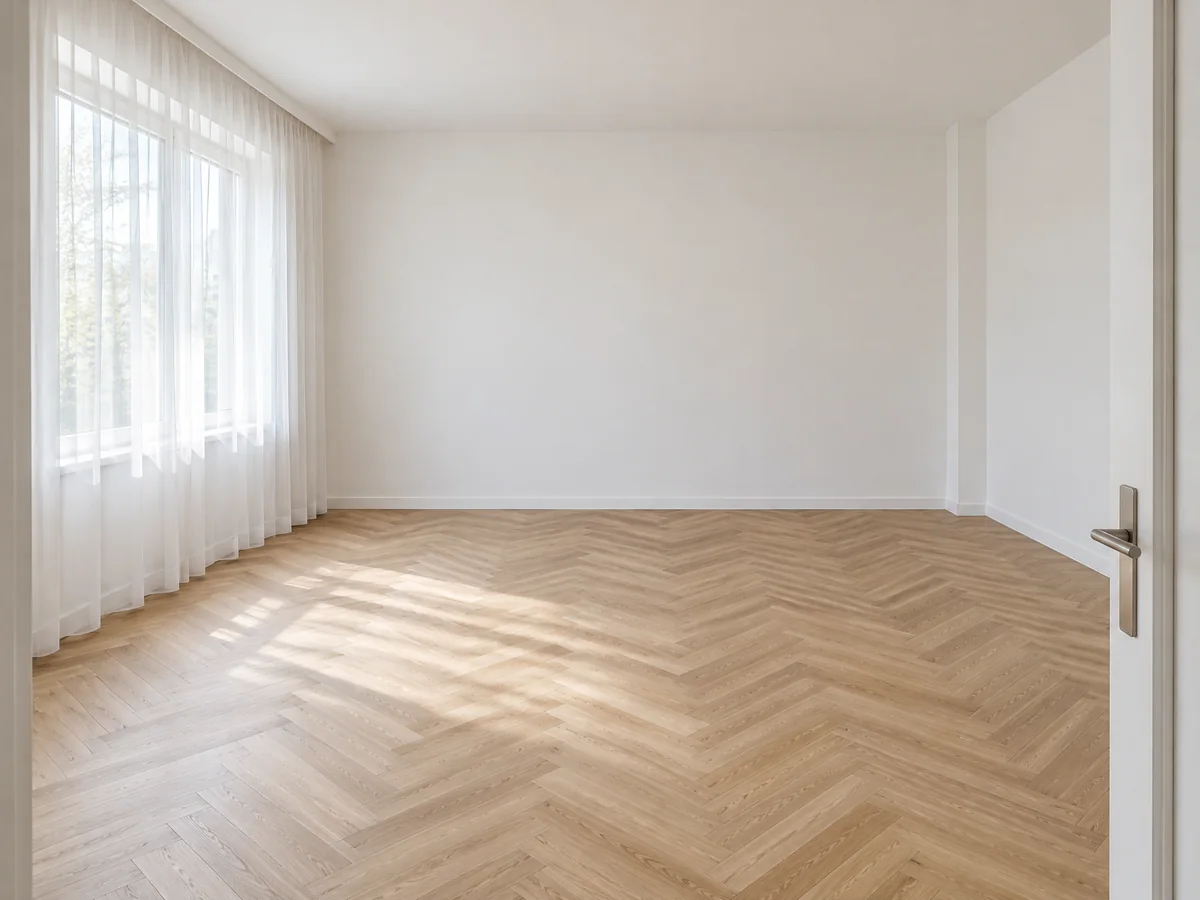
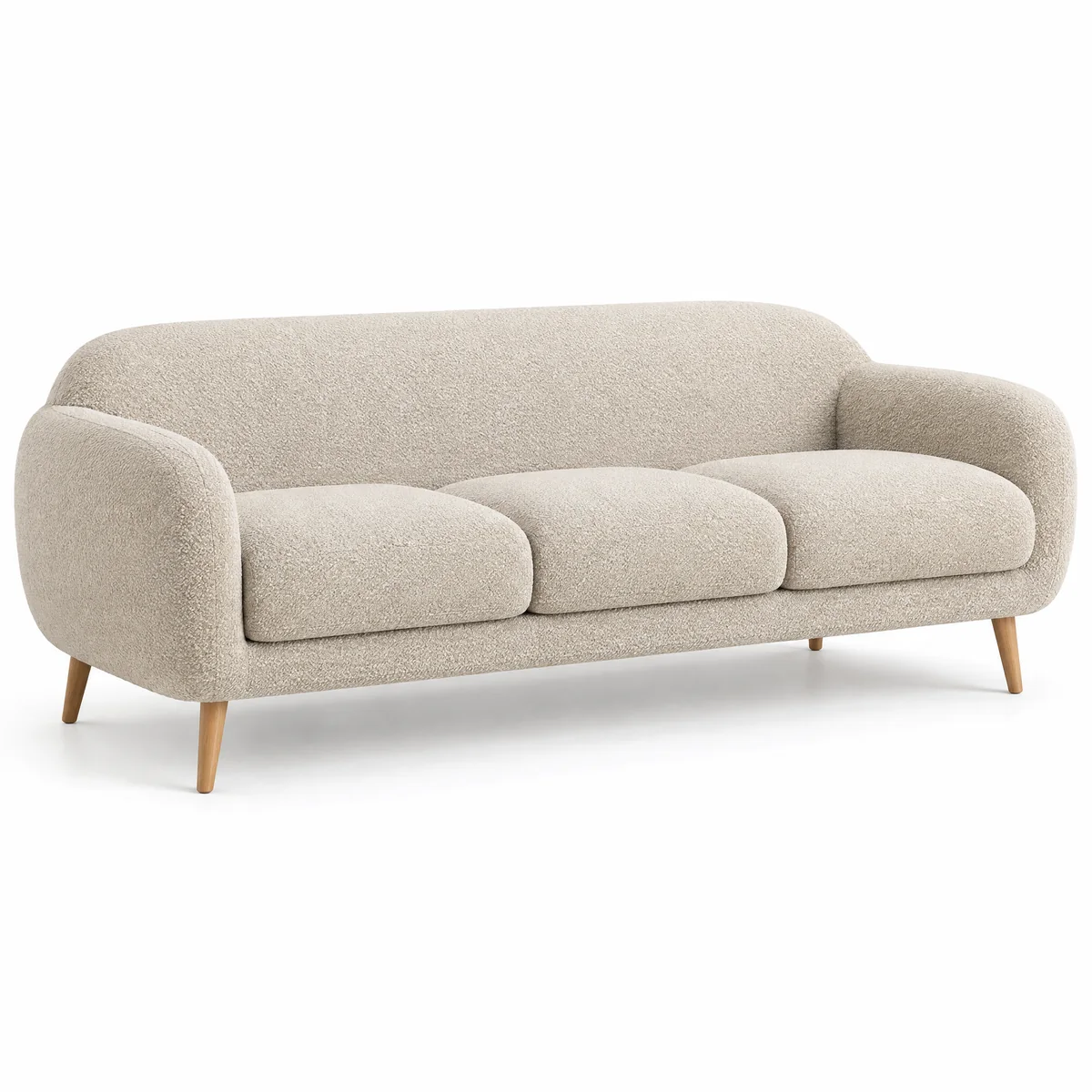
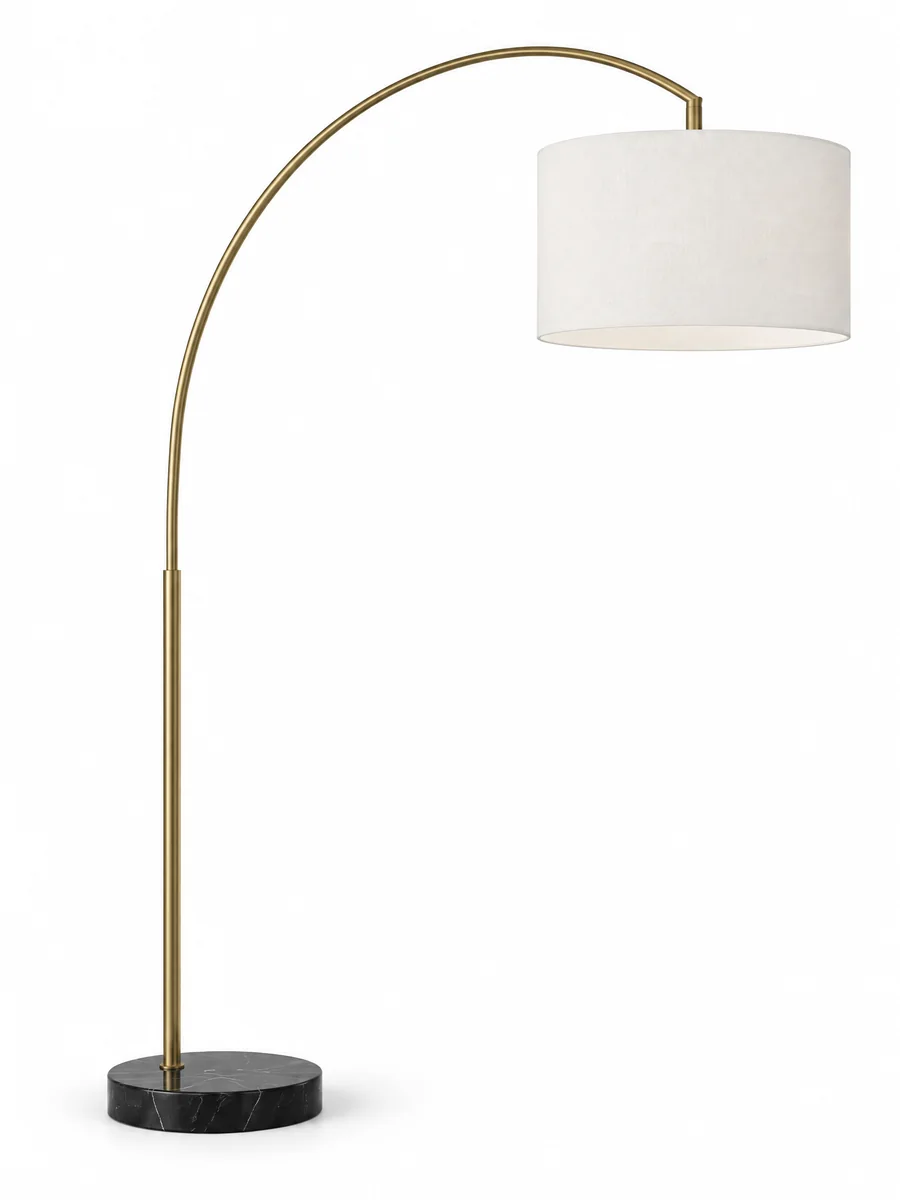
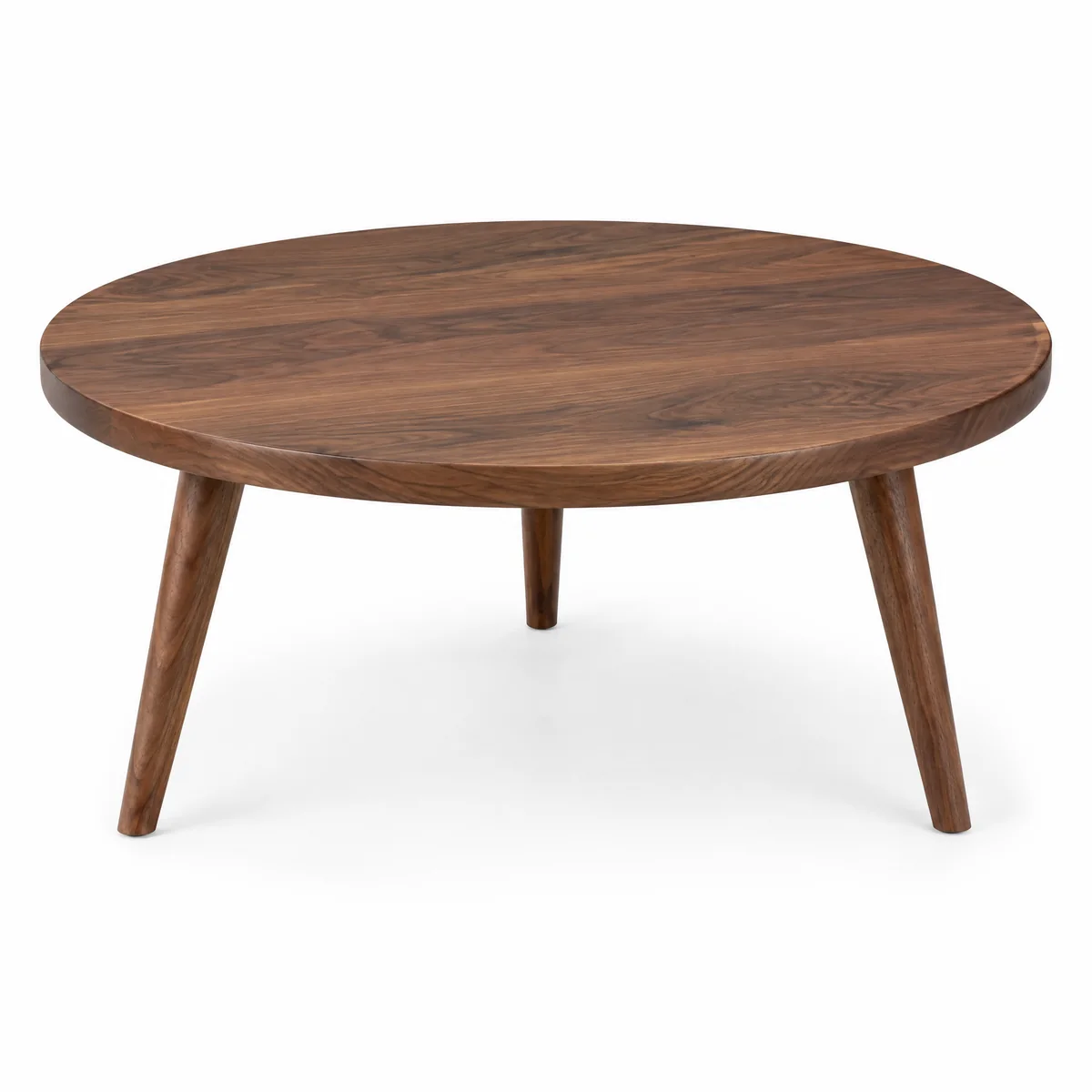
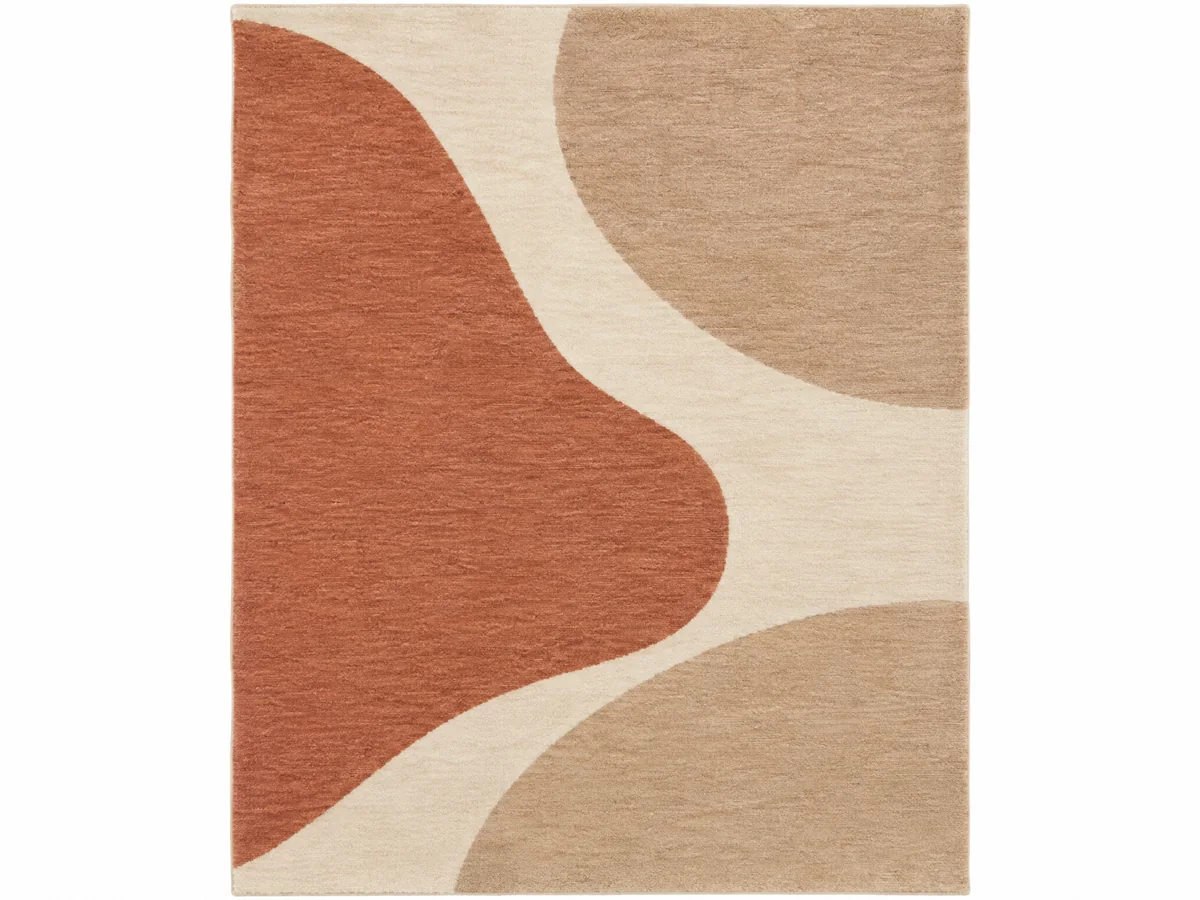
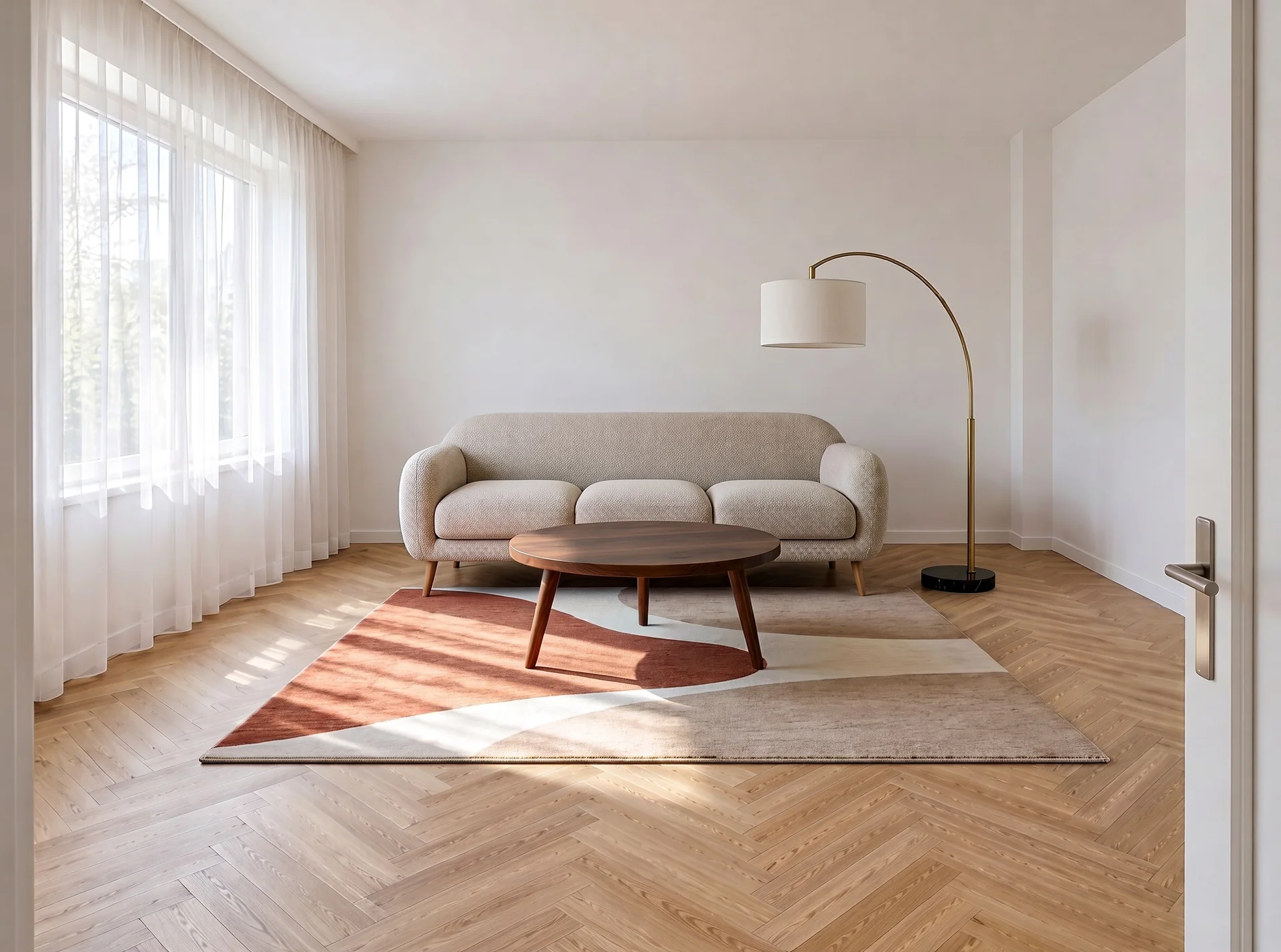
Five reference images in one request: an empty room plus a sofa, floor lamp, coffee table and rug. Each product keeps its shape, color and pattern; the room, floor, window and daylight stay.
These inputs were made with GPT Image as source material. The result was produced by one MiniMax H3 Image edit with them, in this order.
2K · 4:3 · H3Img credits for these settings 3
Original prompt (English)
Image 1 is an empty living room. Images 2 to 5 are four products: a sofa, an arc floor lamp, a round walnut coffee table and a patterned wool rug. Furnish the room from image 1 using exactly these four products and nothing else. Keep each product's shape, color, material, pattern and proportions. Keep the room's walls, herringbone floor, window, curtains, camera angle and morning daylight unchanged. Sofa against the back wall, rug in front of it, coffee table centered on the rug, lamp arching over the right end of the sofa. Realistic scale, contact shadows and window light on every item.Prompt to adapt
Keep the [product], its [distinctive features] and the original camera angle. Place its base on [support]. Replace the background with [scene]. Light it from [direction].
Frequently asked questions
Which original should I start with?
For a product drawn entirely from words, start with the studio packshot. For an existing photo, load the serum edit with its actual bottle reference. For furniture from separate files, use the room example and maintain its upload order.
Where can I copy the tested wording?
The prompt library collects ready-to-use text and links it to the matching result. Use this guide to decide which clauses to change. The serum background example is especially helpful when you want the original framing and a different set.