Run MiniMax H3 Image locally with ComfyUI
To run MiniMax H3 Image locally with ComfyUI, install its native workflow, budget disk space for the diffusion model, encoder and VAE, and check the community license for the territory where you intend to use the images.
Last updatedFour products placed into one empty room
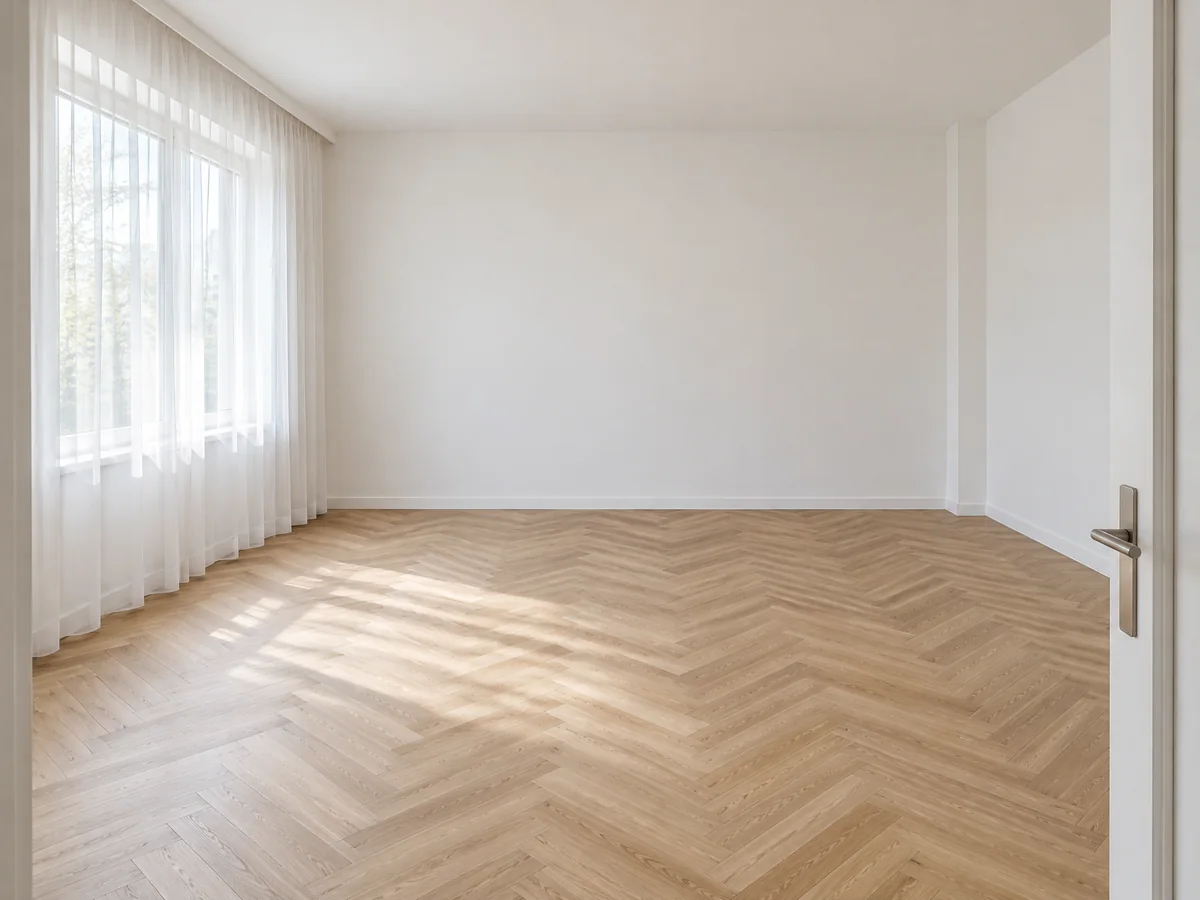
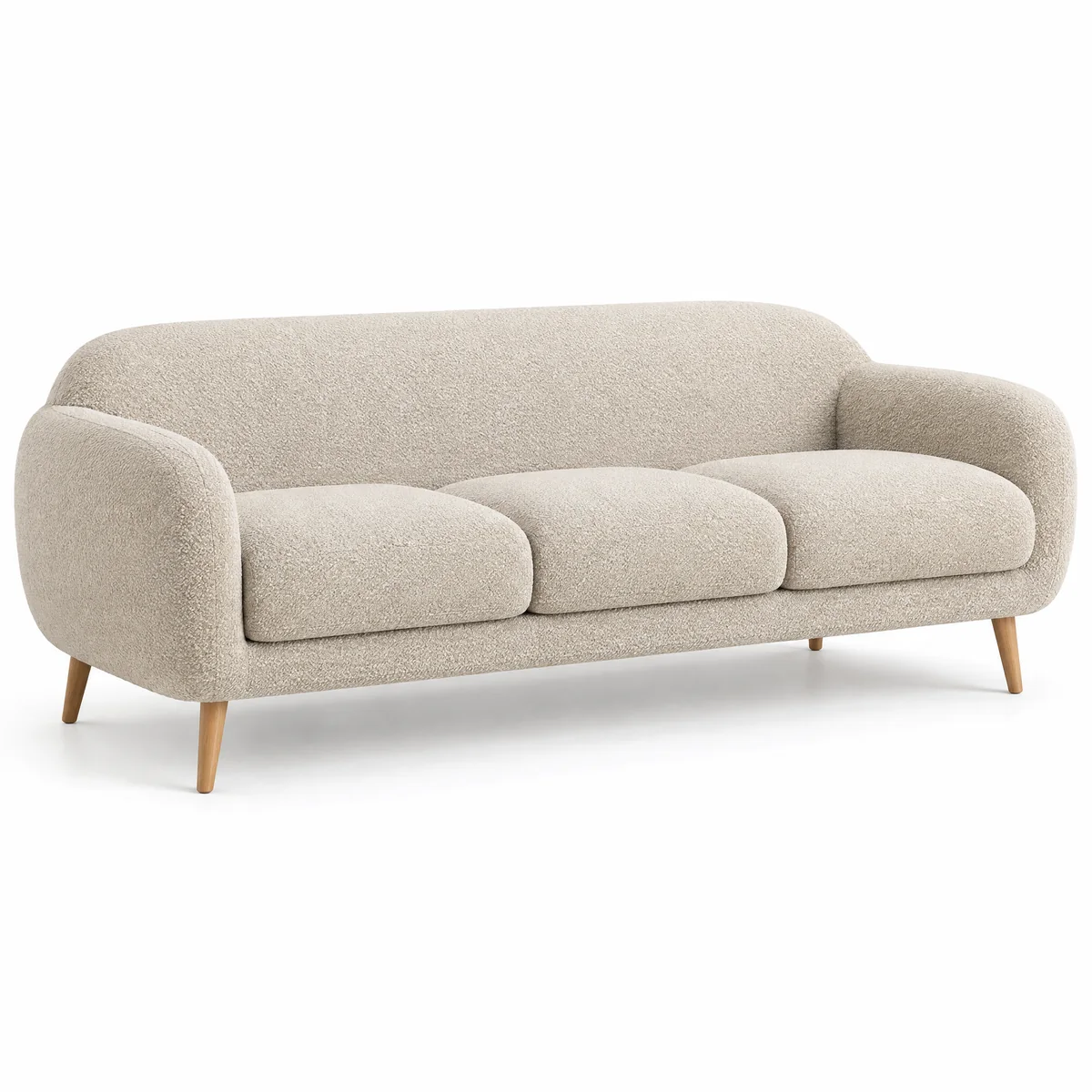
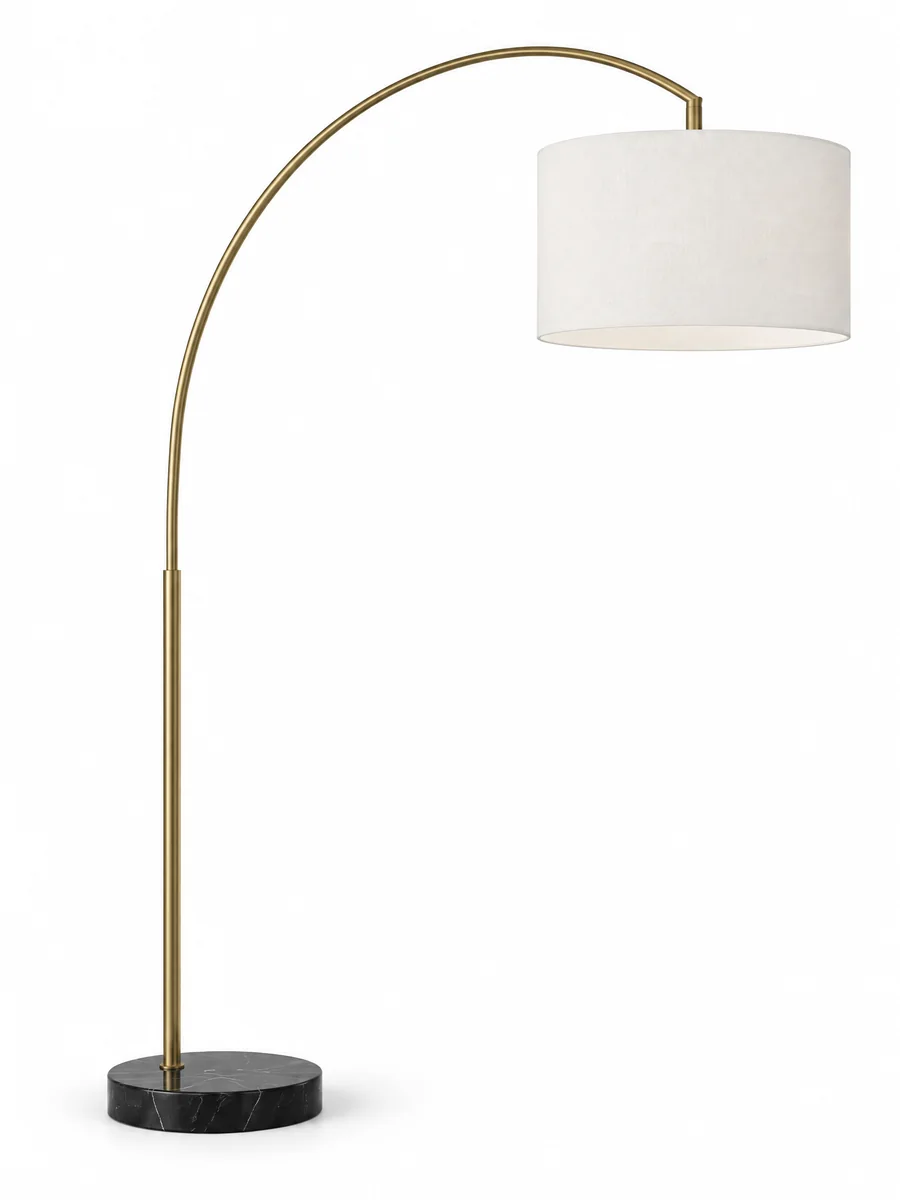
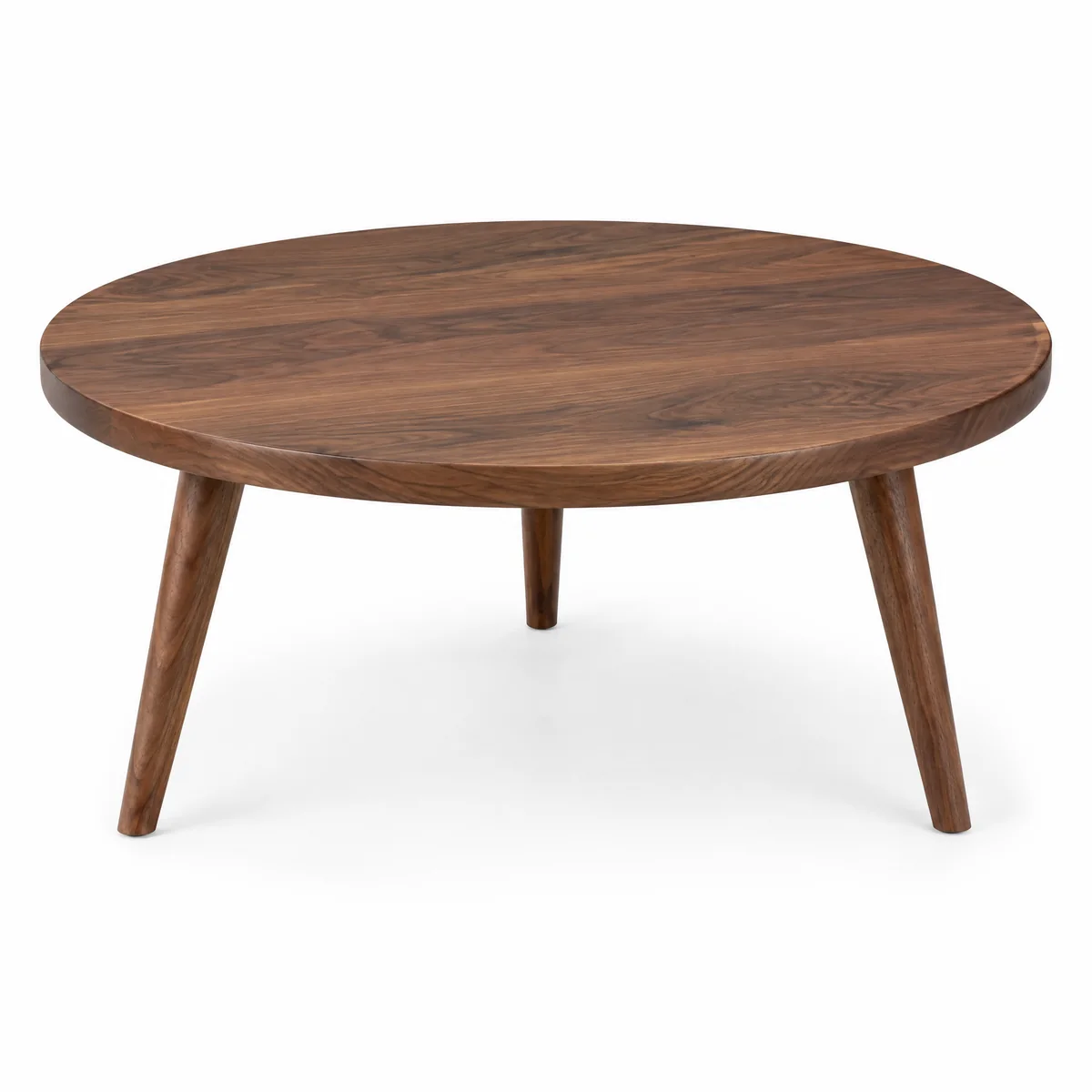
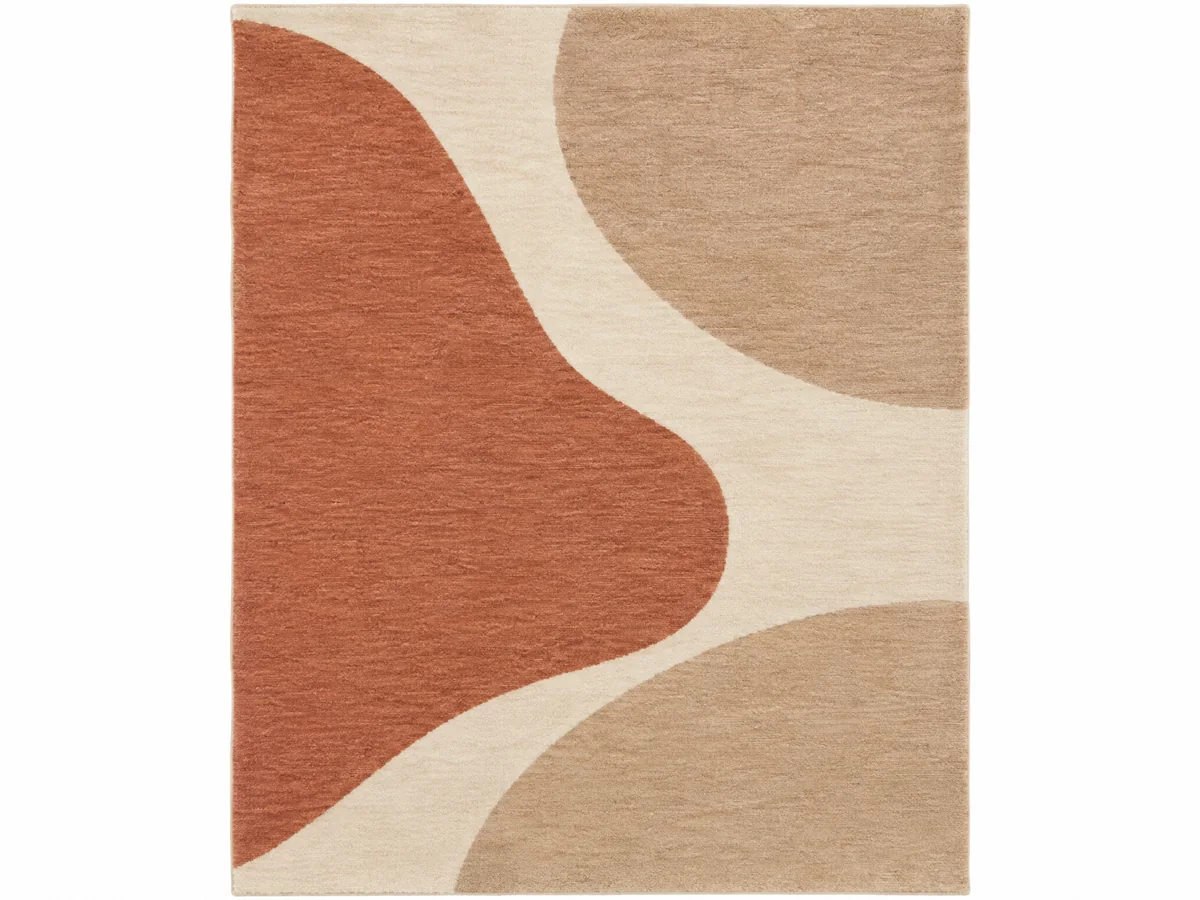
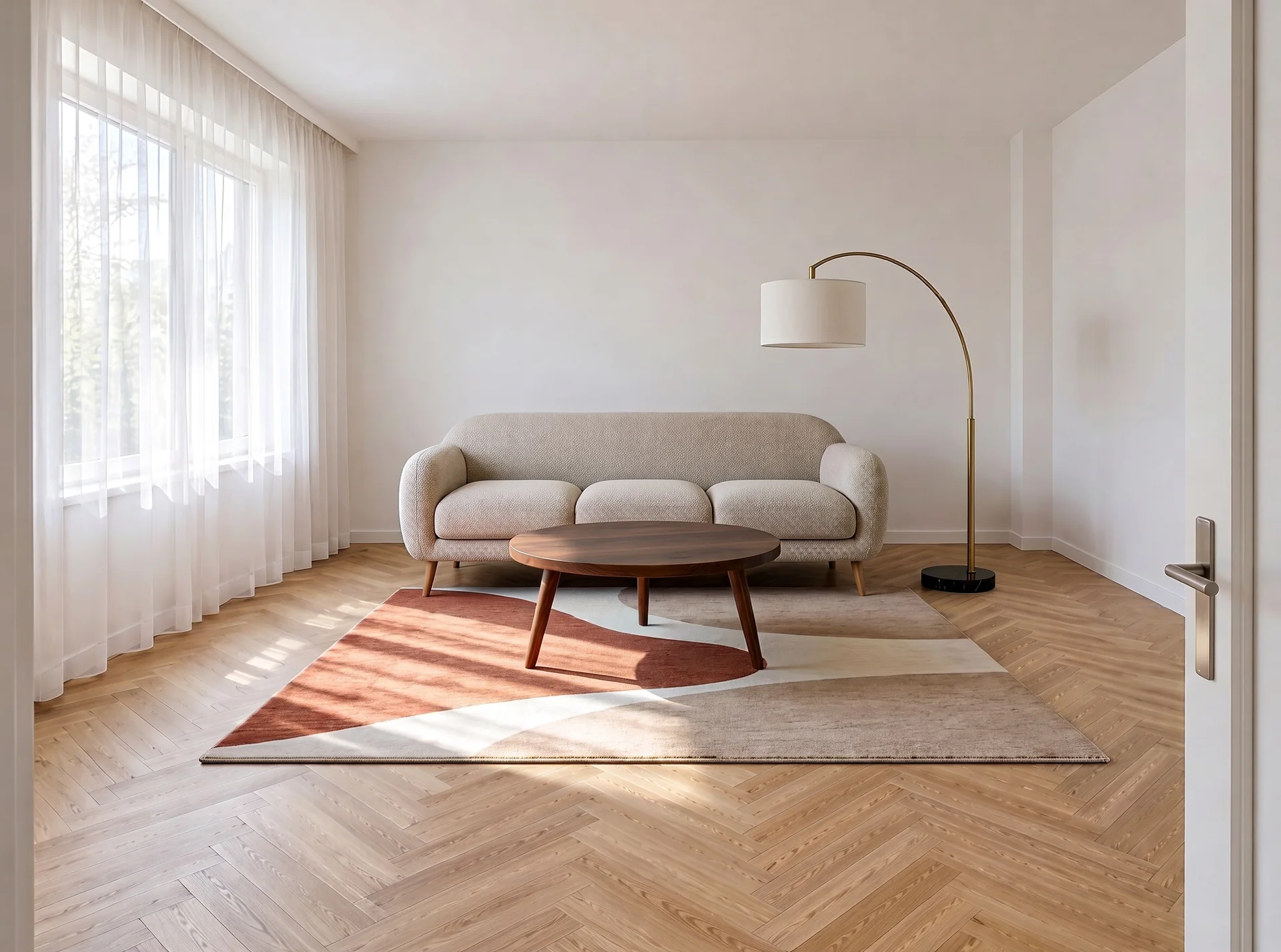
Five reference images in one request: an empty room plus a sofa, floor lamp, coffee table and rug. Each product keeps its shape, color and pattern; the room, floor, window and daylight stay.
These inputs were made with GPT Image as source material. The result was produced by one MiniMax H3 Image edit with them, in this order.
2K · 4:3 · H3Img credits for these settings 3
Original prompt (English)
Image 1 is an empty living room. Images 2 to 5 are four products: a sofa, an arc floor lamp, a round walnut coffee table and a patterned wool rug. Furnish the room from image 1 using exactly these four products and nothing else. Keep each product's shape, color, material, pattern and proportions. Keep the room's walls, herringbone floor, window, curtains, camera angle and morning daylight unchanged. Sofa against the back wall, rug in front of it, coffee table centered on the rug, lamp arching over the right end of the sofa. Realistic scale, contact shadows and window light on every item.Choose the weight package before downloading
MiniMax released the image weights on November 10, 2026. The 33.1 billion parameters refer to the diffusion transformer. For the original MiniMax installation, the 68.65 GB image package also needs the 66.7 GB text encoder from the main H3 repository. On a fresh machine that adds up to about 135 GB of downloads, before the optional prompt expander. If that encoder is already in the Hugging Face cache, the model can reuse it. Account for the runtime, temporary files and saved results separately when deciding which disk to use.
Match the files to the ComfyUI template
Comfy-Org provides smaller diffusion files. Its INT8 file is about 21.0 GB and its W4A8 file is about 12.5 GB. The published tutorial uses the INT8 file under models/diffusion_models, a 25.28 GB Qwen3-VL text encoder under models/text_encoders, and a 1.17 GB FP16 image VAE under models/vae. The example workflow also names a 7.34 GB Qwen3.5 prompt expander in text_encoders. Together those four files use about 54.8 GB. A download of the smaller diffusion file alone leaves the encoder and decoder missing. Compare the filenames shown in the graph with the files on your disk before starting the queue.
Open the native graph and set the canvas
Use ComfyUI 0.45.0 or later with template pack 0.11.104 or later. In the template library choose MiniMax-H3-Image: Text to Image for a prompt or Image Edit for a source photograph. The edit JSON connects UNETLoader, CLIPLoader and VAELoader with MiniMaxH3ImageConditioning and KSampler. LoadImage supplies the first reference. For an additional picture, connect it to both the prompt-generation and conditioning paths. The distilled sampler uses six Euler steps, a simple schedule and guidance of one. Set the megapixel value explicitly: a 4096-square image has about 16 MP. For an initial memory check, use a smaller canvas such as 4 MP.
Read VRAM measurements in context
The ComfyUI tutorial gives no universal minimum VRAM. Disk size measures stored weights. Runtime memory also depends on which components stay on the GPU, canvas size and reference images. In vLLM-Omni’s single-H200 qualification, the profile with a resident transformer and offloaded text encoder peaked at 73.4 GiB of GPU memory. The profile that offloaded both peaked at 14.7 GiB. Each offloaded component also uses approximately 62 GiB of pinned host RAM for its weights in this setup. These measurements apply to the two tested vLLM-Omni profiles. If a ComfyUI edit runs out of memory, the tutorial recommends reducing input megapixels with Resize Image/Mask.
Check the license for your use and location
The community license limits its grant to a defined territory that excludes the European Union, United Kingdom, Republic of Korea and United States. Section V.4 also restricts use and display of outputs outside that territory under this agreement. For deployment in an excluded territory, MiniMax invites a separate license request. Section IV requires prior written authorization for providing hosted services to third parties or exceeding its annualized revenue threshold. H3Img sends requests through APIMart. A hosted request uses a different delivery path, and a subscription alone does not establish permission for any region. Check the model license, applicable service terms and your intended publication location.
Serum bottle moved to an editorial set
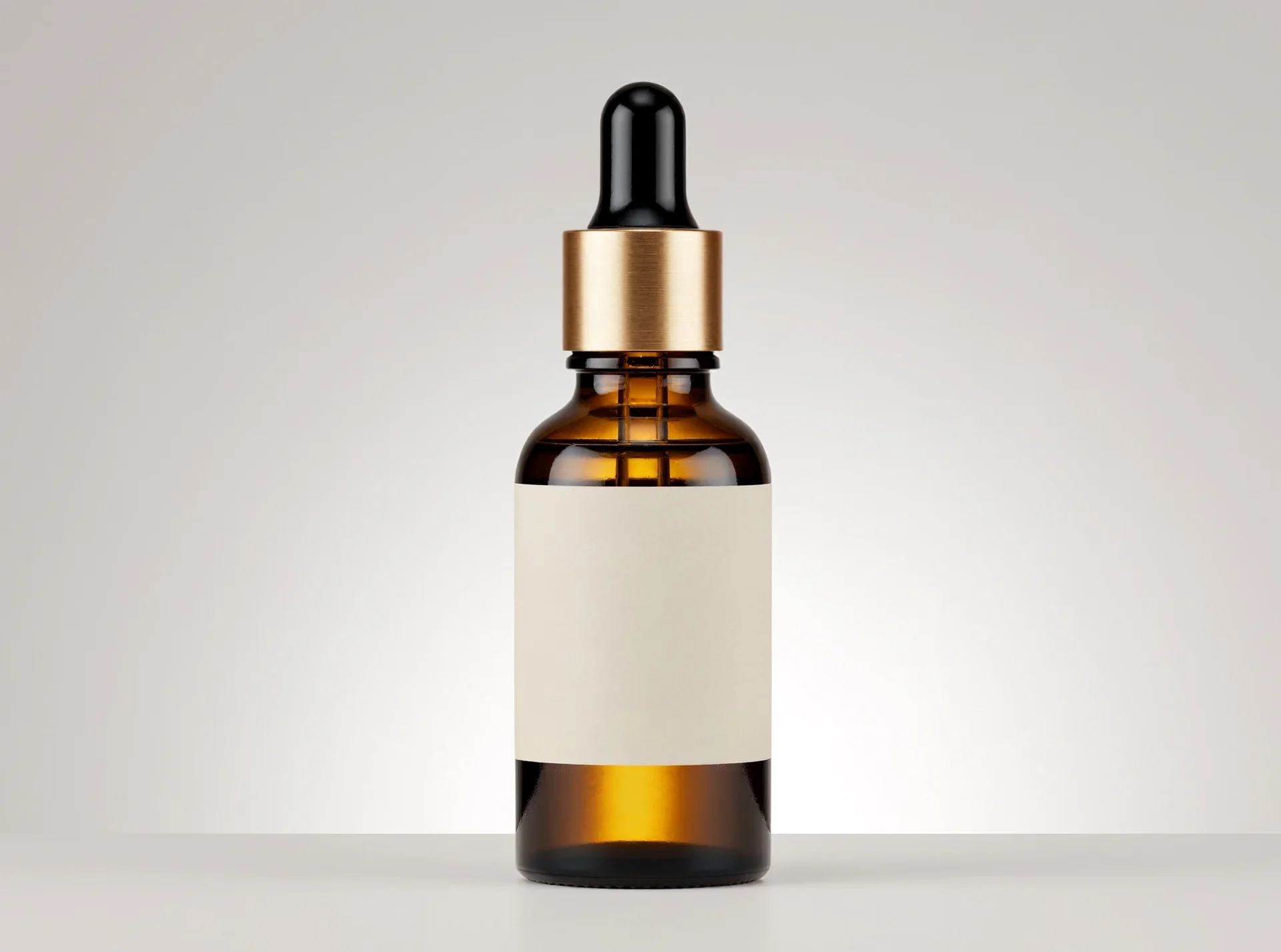
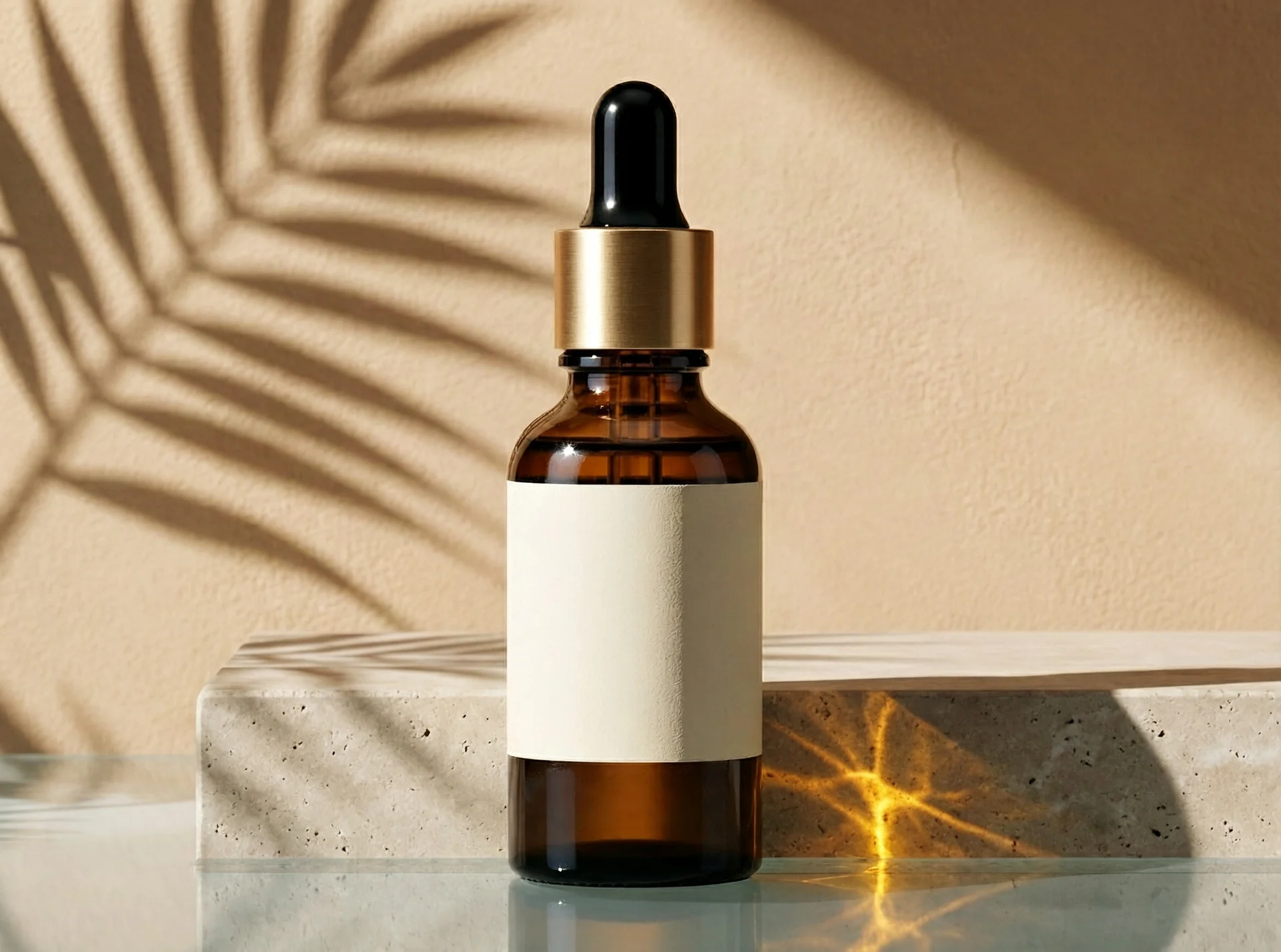
The packshot was the reference for one edit. Bottle, gold collar, dropper and blank label stay almost identical; the set becomes travertine with a palm shadow and an amber caustic. The requested water turned into a glossy glass-like surface, and the bottle stands in front of the stone rather than on it.
2K · 4:3 · H3Img credits for these settings 1
Original prompt (English)
Edit the supplied image. Keep the exact same serum bottle: amber glass, brushed gold collar, black dropper bulb, blank cream label, shape, proportions, position, scale, camera angle and framing. Replace only the seamless gray backdrop and floor with a premium editorial set: a honed travertine plinth with a thin layer of still water around its base, soft sunlight from the upper left casting a dappled palm-leaf shadow across a warm sand-colored wall. Let the amber glass throw a warm golden caustic onto the stone and a faint reflection into the water. The bottle stays sharp and fully visible. No text, logos or extra objects.Prompt to adapt
Use <Picture 1> as the room. Keep its walls, floor, window and viewpoint. Place the [item] from <Picture 2> at [position] and match the light to the window.
Frequently asked questions
When is an online workspace economical?
For a few occasional edits, a credit pack can avoid the time and storage of a fresh download or the expense of suitable hardware. For a recurring workload, compare a monthly plan with your own hardware, electricity and maintenance costs. Local operation gives you direct control over the graph, files and resolution when your license permits it.
Can I compare my graph with the examples below?
Yes. Try the bottle to test one image and a small set of preserved details. Try the room to test upload order and the placement of four separate objects. The images and original prompts below document hosted runs. They give you visual checkpoints for your graph. Different weights, expansion settings or sampling choices can produce a different image.