MiniMax H3 Image Editor
Upload reference images, describe your changes, and review the settings before submitting.
Reference
Choose your own reference images to see them here.
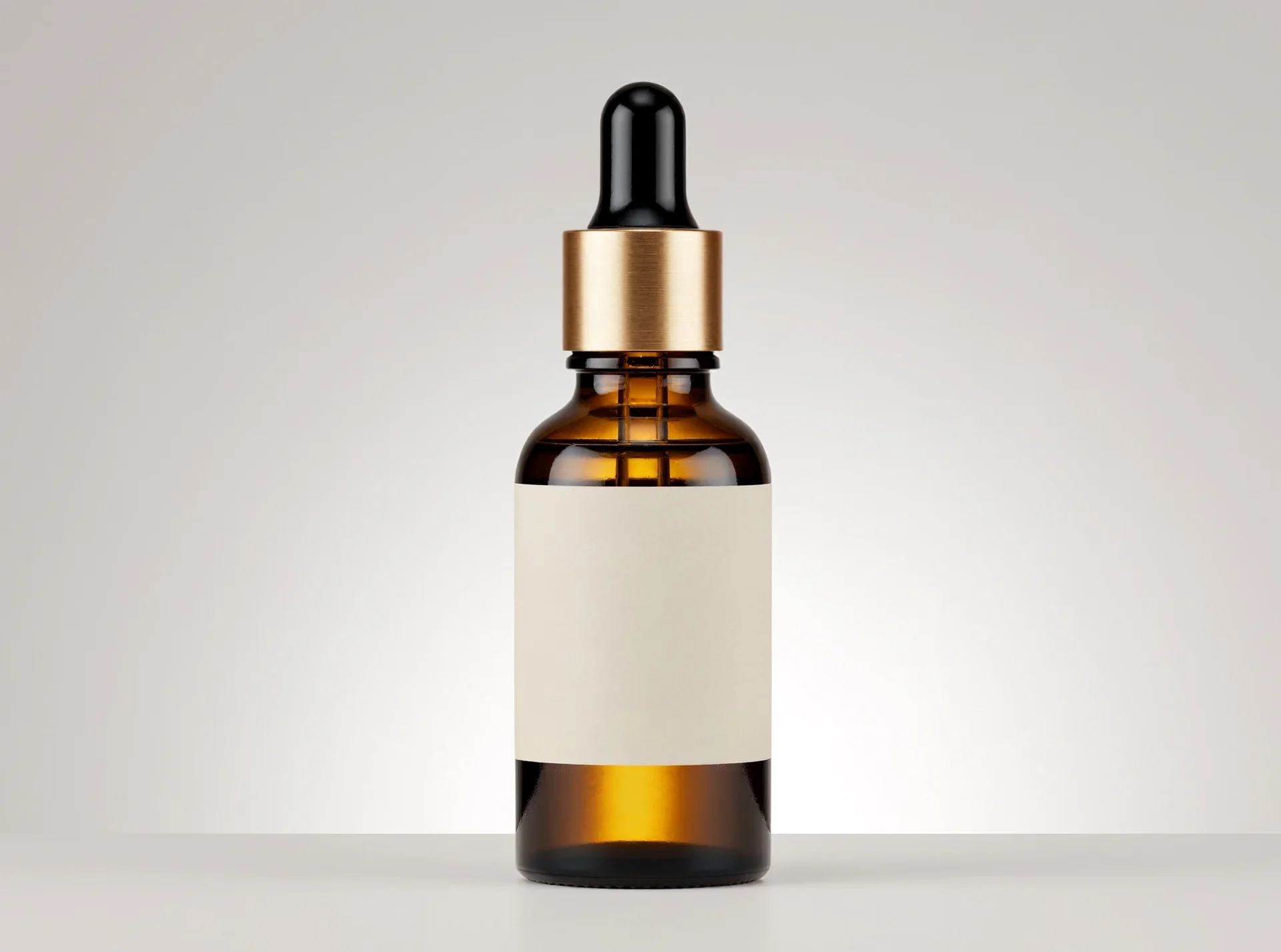
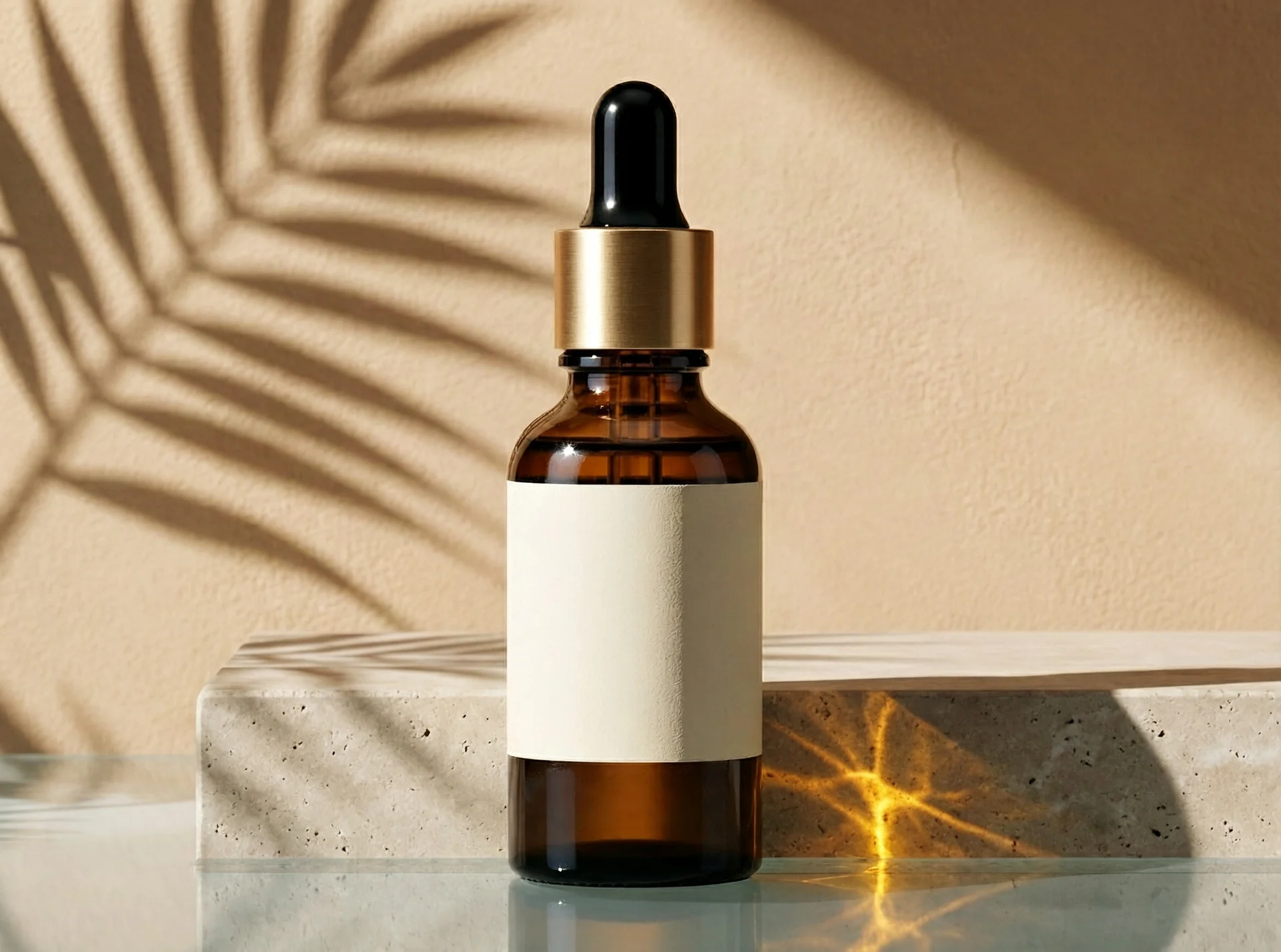
One product, two settings
The studio image served as the reference for a warm window scene. Compare the bottle outline, cap, and shadows.
Upload requirements
| Requirement | Limit |
|---|---|
| File types | JPG, PNG, WebP |
| Number of images | Up to 16 images |
| Combined file size | No more than 16 MiB |
How to edit a reference
- Add reference images, check the preview, and remove any image you do not want to include.
- Describe the changes and mention the details you want the request to preserve.
- Review your prompt, settings and account credit charge before sending.
- When a result is returned, compare the reference and result views, enlarge the image, or save it.
Reference and result
A reference is the image you selected, not a generated result. The Result view stays empty until a request returns an image. The two views let you inspect each image separately.
If a request fails
Your prompt, settings, and previous result stay available. Review before trying again: a new attempt may create a new billable request.
If the result is unknown
The outcome is not confirmed. Check this task before submitting another.